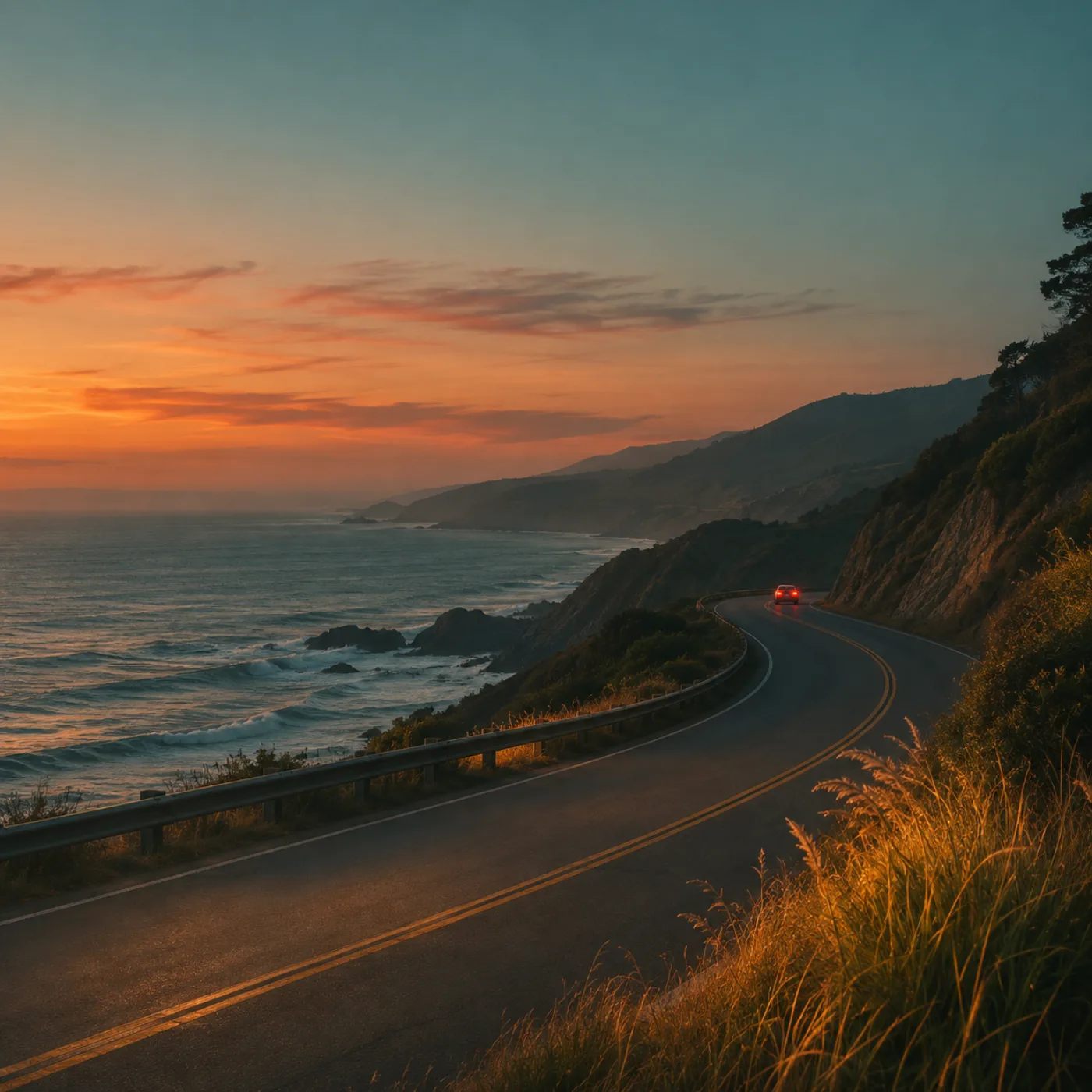
Course
Edit like a story
A video course on editing a whole set in Lightroom so every photo belongs: culling, colour, skin, consistency and export, with raw files to practise on.
14 lessons · About 5 hours
Self-paced Lightroom courses and colour presets for photographers. Follow along with my raw files and keep them for good.
A video course on editing a whole set in Lightroom so every photo belongs: culling, colour, skin, consistency and export, with raw files to practise on.
14 lessons · About 5 hours
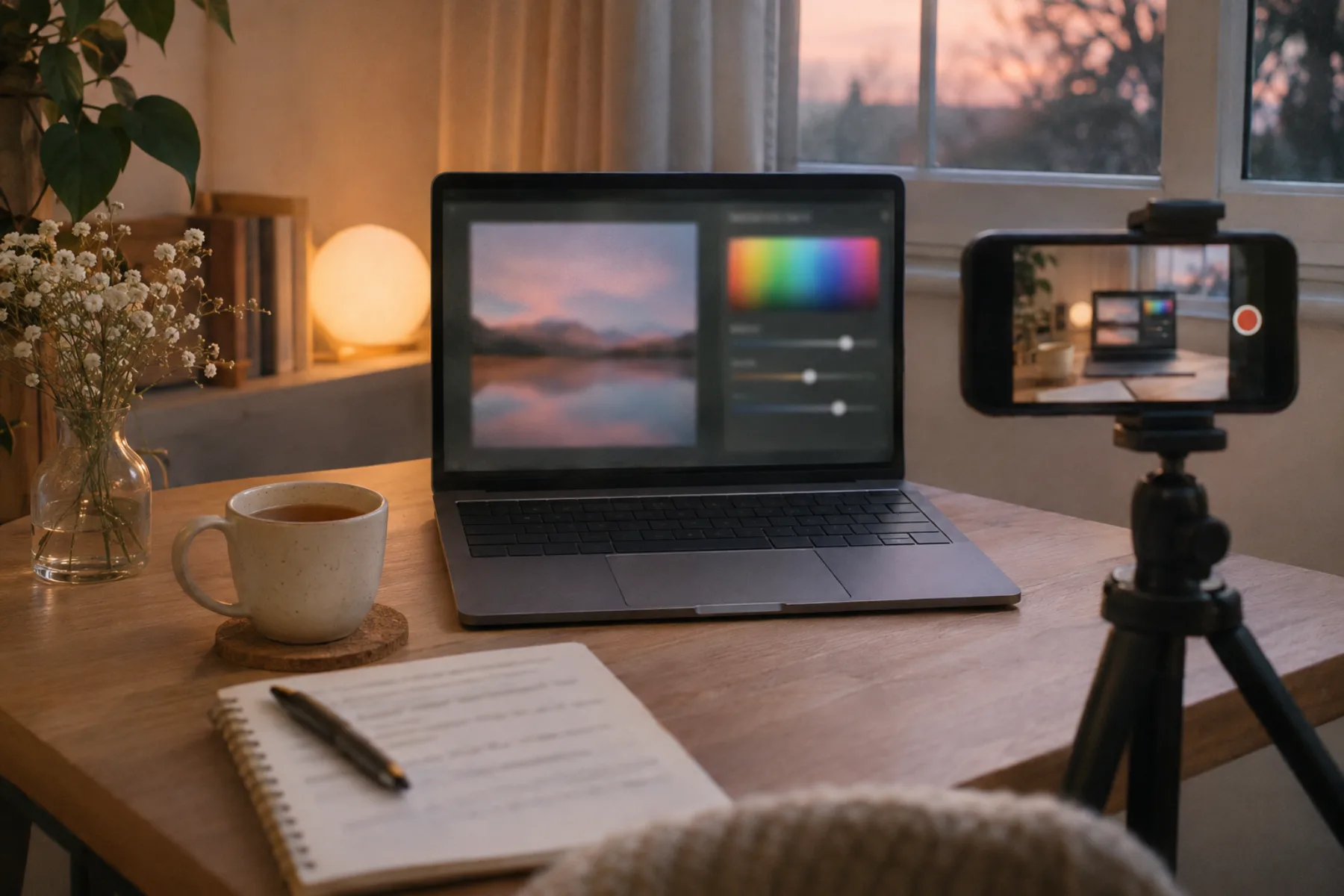
A short course for one job: natural skin for every skin, in any light, with the raw files to practise on.
5 lessons · About 1½ hours
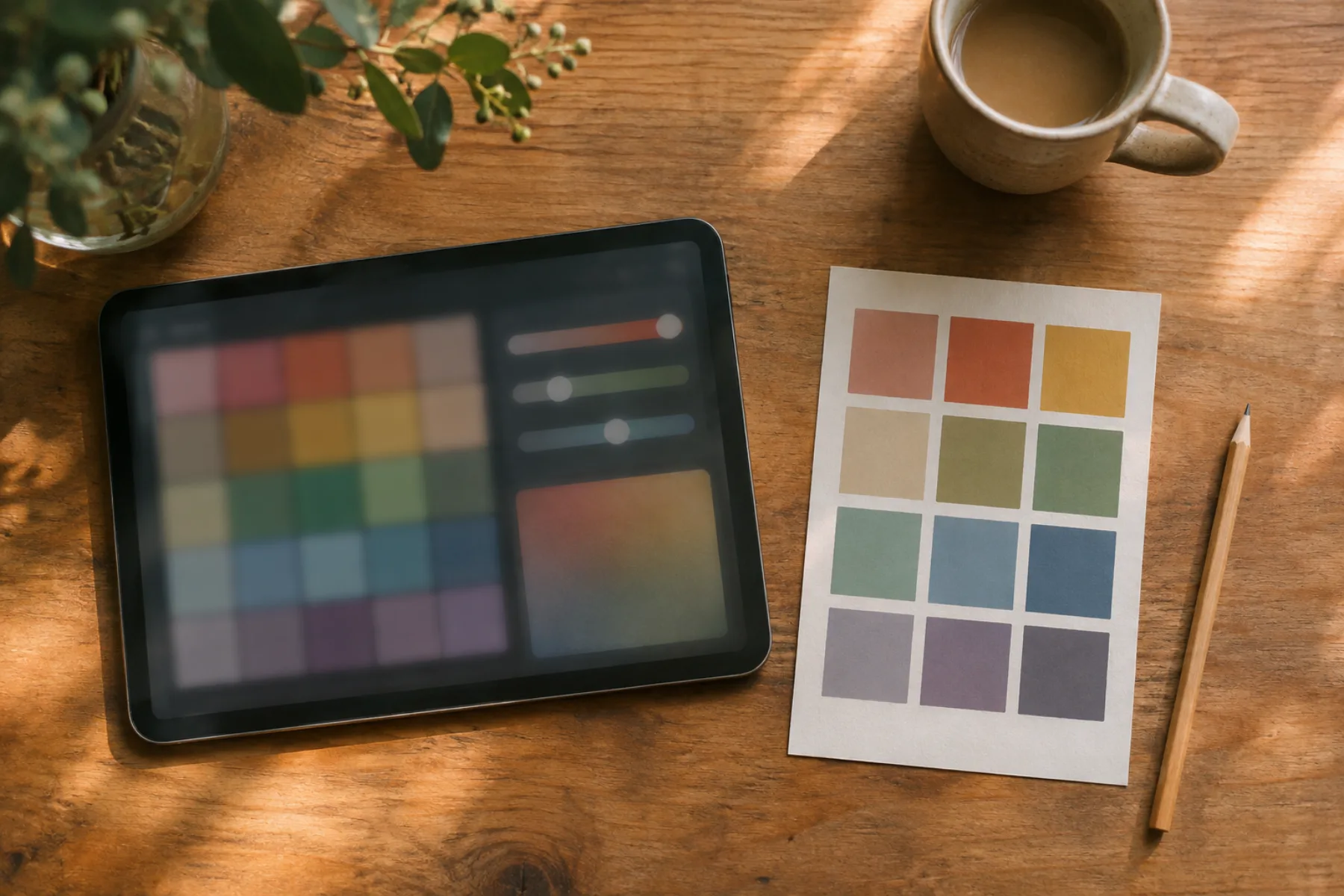
Twelve Lightroom presets made from my own wedding and portrait edits, with a guide to adjusting them.
12 presets · Lightroom
Online course
A video course on editing a whole set in Lightroom so every photo belongs: culling, colour, skin, consistency and export, with raw files to practise on.
Course
A video course on editing a whole set in Lightroom so every photo belongs: culling, colour, skin, consistency and export, with raw files to practise on.

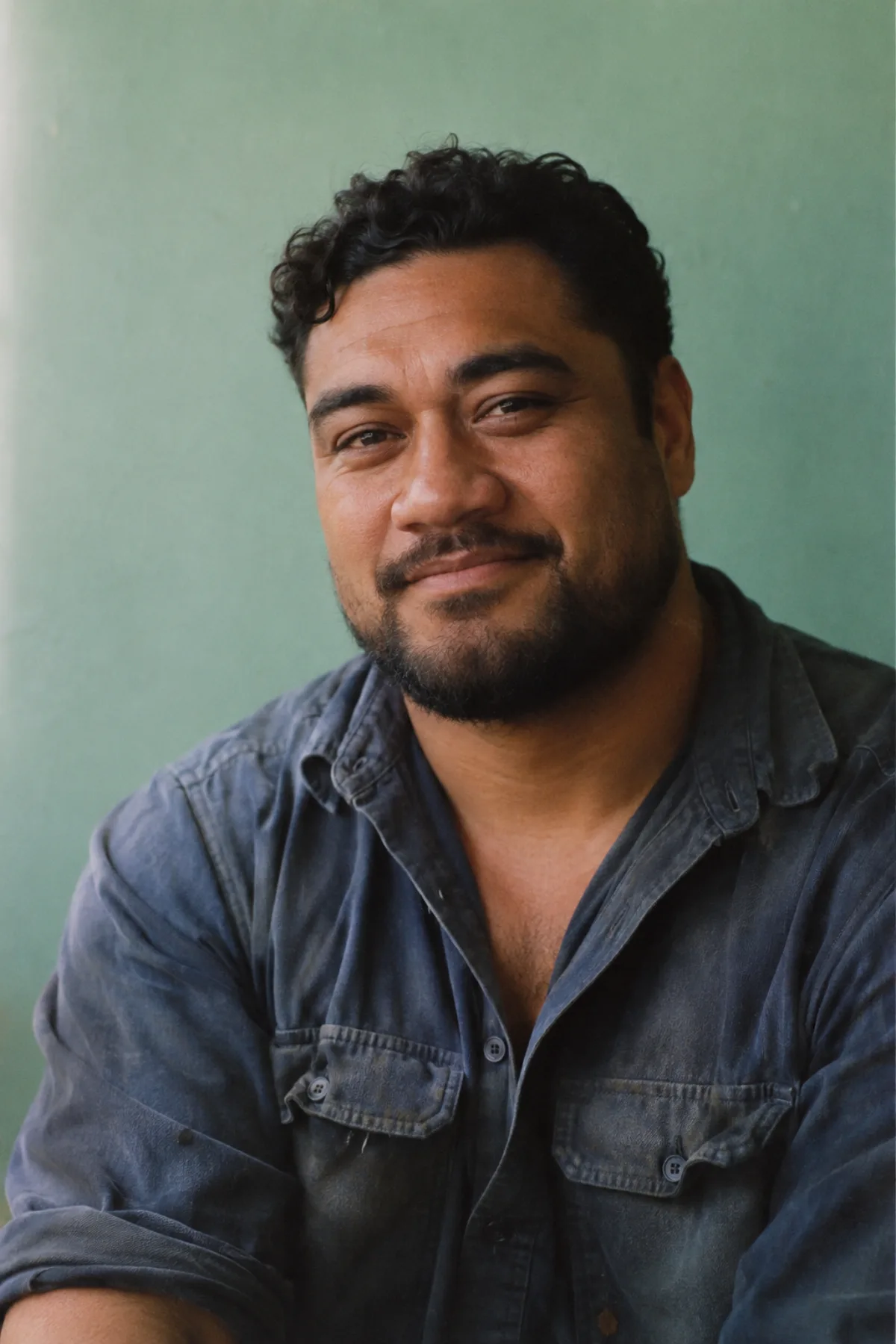
About
I'm Vaea. I photograph weddings and portraits around Auckland, and for the last six years I've taught other photographers how I edit them, from a flat raw file to a finished set that looks like one story.
Every week I post a short edit walkthrough and answer questions in the comments. Edit like a story is my whole process in order, with the raw files to follow along.
My galleries finally look like one wedding instead of forty different edits.
Free letter
One edit every Friday with the before, the after and the three moves that made it. 6,200 readers.
FAQ
Still unsure which one is for you? Write to me and I'll answer myself.
Either Lightroom works. I edit in Classic and show where the tools sit in the other one.
Yes. Every lesson comes with the raw files I edit, so you can follow along.
They're a start, not a finish. The guide shows the two sliders to adjust for your light.
For good, with every update I add.
Edit like a story if you edit whole sessions. Skin tones in Lightroom if that's the one thing you're stuck on.
No, they're sold on their own. The course shows you how to make your own.